
Previewer for Windows
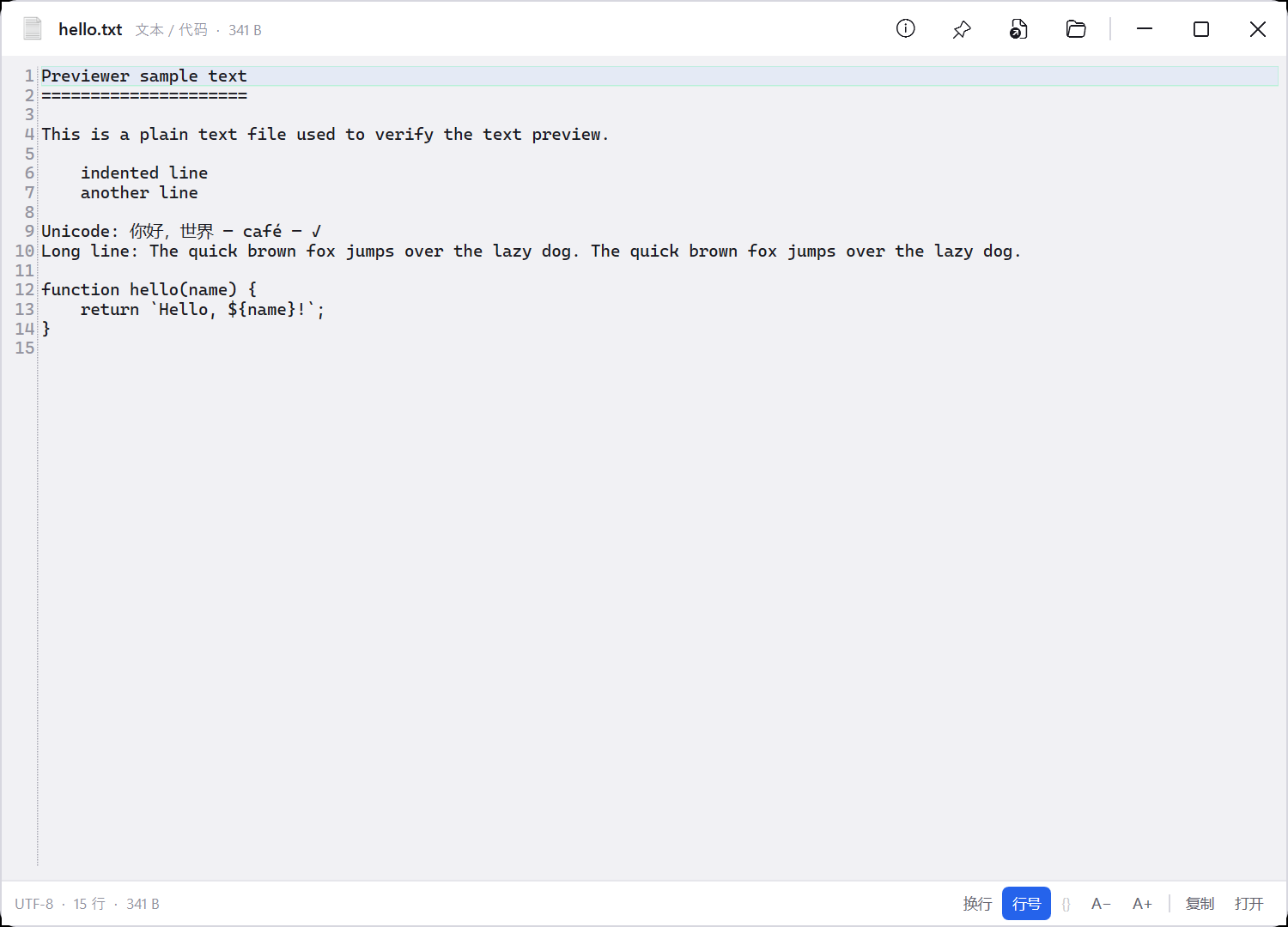
Select a file in File Explorer and press Space for a quick preview. View images, PDF,
Office documents, source code, archives, audio and video.
US$1.99 · One-time purchase · 3 years of updates
Download Previewer
Activation
After checkout, enter the machine code shown in Previewer under Settings → License.
The store returns an activation code that works only on that PC. Paste it into
Settings → License → Activate; previews then work offline. Previewer requires Windows 10 or 11.